
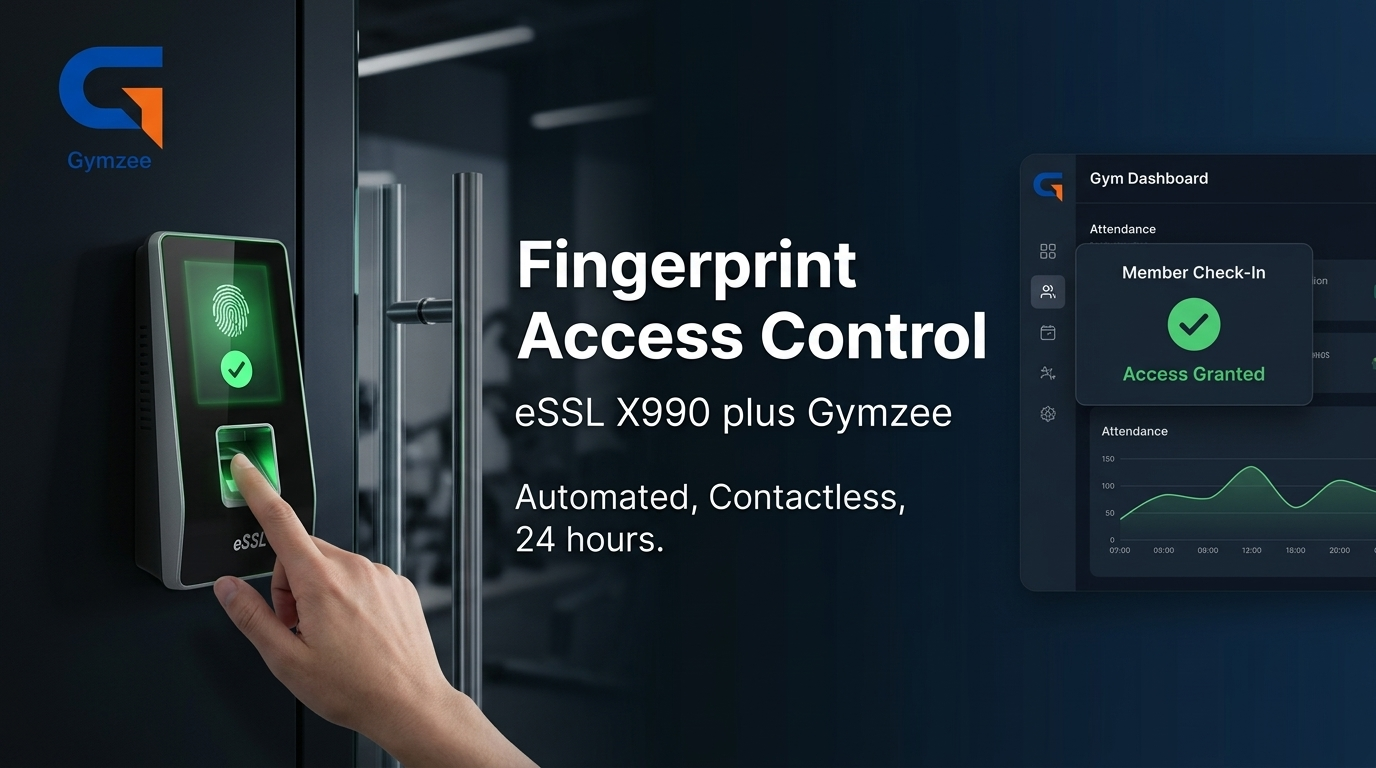
How It Works
Three steps from hardware purchase to fully automated fingerprint access.
Buy the eSSL X990
Purchase the eSSL X990 biometric terminal and a compatible electromagnetic door lock. Have an electrician install it at your gym entrance — typically ₹15,000–₹25,000 all-in.
Connect to Gymzee
Connect the device to your gym Wi-Fi and enter the Gymzee server address in its cloud settings. The device registers with Gymzee in under 5 minutes.
Enroll Member Fingerprints
Enroll each member's fingerprint directly on the eSSL X990. Gymzee syncs their membership status — active members enter, expired ones are blocked automatically.
What Gymzee Handles Automatically
Once set up, you never need to touch the fingerprint device again for day-to-day management.
- Membership sync: When you renew a member in Gymzee, their access is immediately restored on the device.
- Expiry blocking: When a membership lapses, Gymzee updates the device and the door stops opening for that fingerprint.
- Attendance logging: Every fingerprint scan is logged as a check-in in Gymzee — your attendance report fills itself.
- New member enrollment: Add a member in Gymzee, enroll their fingerprint on the device — done. No extra software.
- Multi-device support: Running multiple entrance points? Register multiple eSSL X990 devices and Gymzee syncs all of them.
eSSL X990 — Device Overview
The eSSL X990 is a professional-grade biometric access control terminal purpose-built for commercial premises like gyms, offices, and studios.
- Fingerprint capacity: Up to 3,000 templates
- Transaction log: Up to 1,00,000 records
- Connectivity: TCP/IP (Wi-Fi and LAN), RS485
- Door control: Built-in relay output for electromagnetic locks
- Display: 2.8" TFT colour screen
- Recognition speed: Under 1 second
- Approximate price: ₹10,000–₹14,000 (device only)
Why Fingerprint Access Changes Your Gym Operations
- Zero revenue leakage: Expired members cannot enter — the door physically won't open. No staff needed to check every person.
- No more sharing memberships: Fingerprints are unique. One membership, one person.
- Fully unmanned entry: Open your gym 24/7 without staff at the door. Members self-check-in.
- Automatic attendance: Every scan is a timestamped check-in — no manual register, no QR code needed.
- Hygiene and speed: The eSSL X990 reads fingerprints in under 1 second with no physical touch of a shared surface beyond the sensor.
Frequently Asked Questions
Which fingerprint device does Gymzee support?
Gymzee currently supports the eSSL X990 biometric access control terminal. This is the only officially supported and tested device for fingerprint integration.
How does fingerprint access work with Gymzee?
The eSSL X990 connects to your gym's Wi-Fi and syncs with Gymzee's servers. When a member's membership is active, their fingerprint unlocks the door. When it expires, Gymzee automatically updates the device and blocks access — no manual intervention needed.
What happens when a gym membership expires?
Gymzee automatically pushes the updated expiry status to the eSSL X990. The member's fingerprint is disabled on the device — the door stays locked until they renew their membership in Gymzee.
Do I need a separate app or software to manage the device?
No. Everything is managed from the Gymzee app. You register the device once using its serial number, and Gymzee handles all sync, expiry updates, and attendance logging automatically.
How much does the hardware cost?
The eSSL X990 device costs approximately ₹10,000–₹14,000. Add an electromagnetic door lock (₹3,000–₹6,000), exit button, power supply, and installation — total is typically ₹18,000–₹28,000. A one-time investment that runs for years.
Can I run my gym 24/7 without staff with this setup?
Yes. Once fingerprint access is set up, members can enter at any hour without staff present. Only active members with enrolled fingerprints can enter — expired members are blocked automatically by the device.
How do I get started?
Purchase the eSSL X990, install it at your gym entrance, then follow our setup guide to connect it to Gymzee. Takes under 30 minutes. WhatsApp us if you need help.
Ready to set up fingerprint access?
Follow our step-by-step guide or chat with us on WhatsApp.